Contact us.
Questions about SmartTimetable, installing an update, or using your family's schedule? Send us an email and tell us what happened.
Email SmartTimetable
Use your email app to write to our support address. You can also copy the address if the button does not open an email draft.
General support
What to include
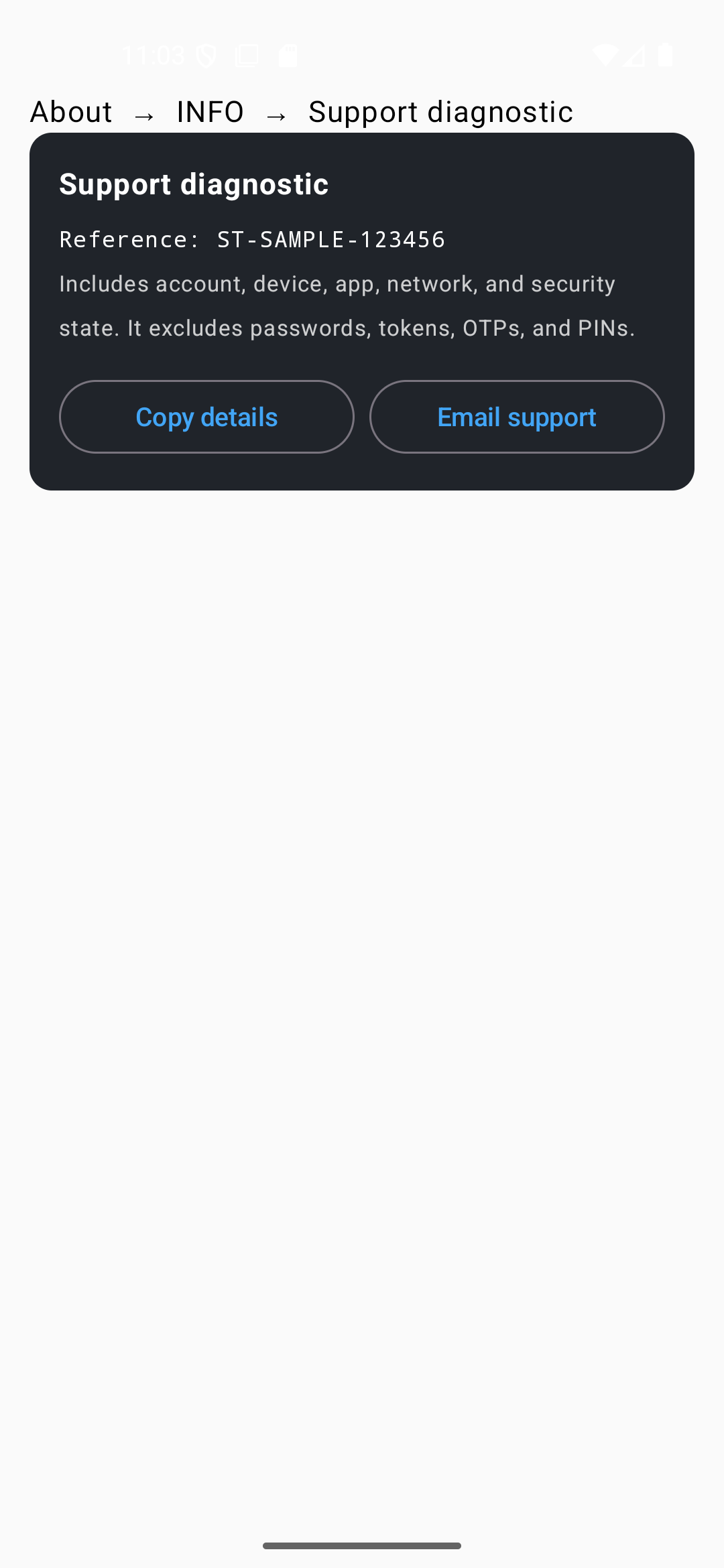
Screens from SmartTimetable 5.6.32 in light mode. Example references contain sample data.
Tell us what happened
Describe what you were trying to do, what you expected, and what appeared instead.
Share the basics
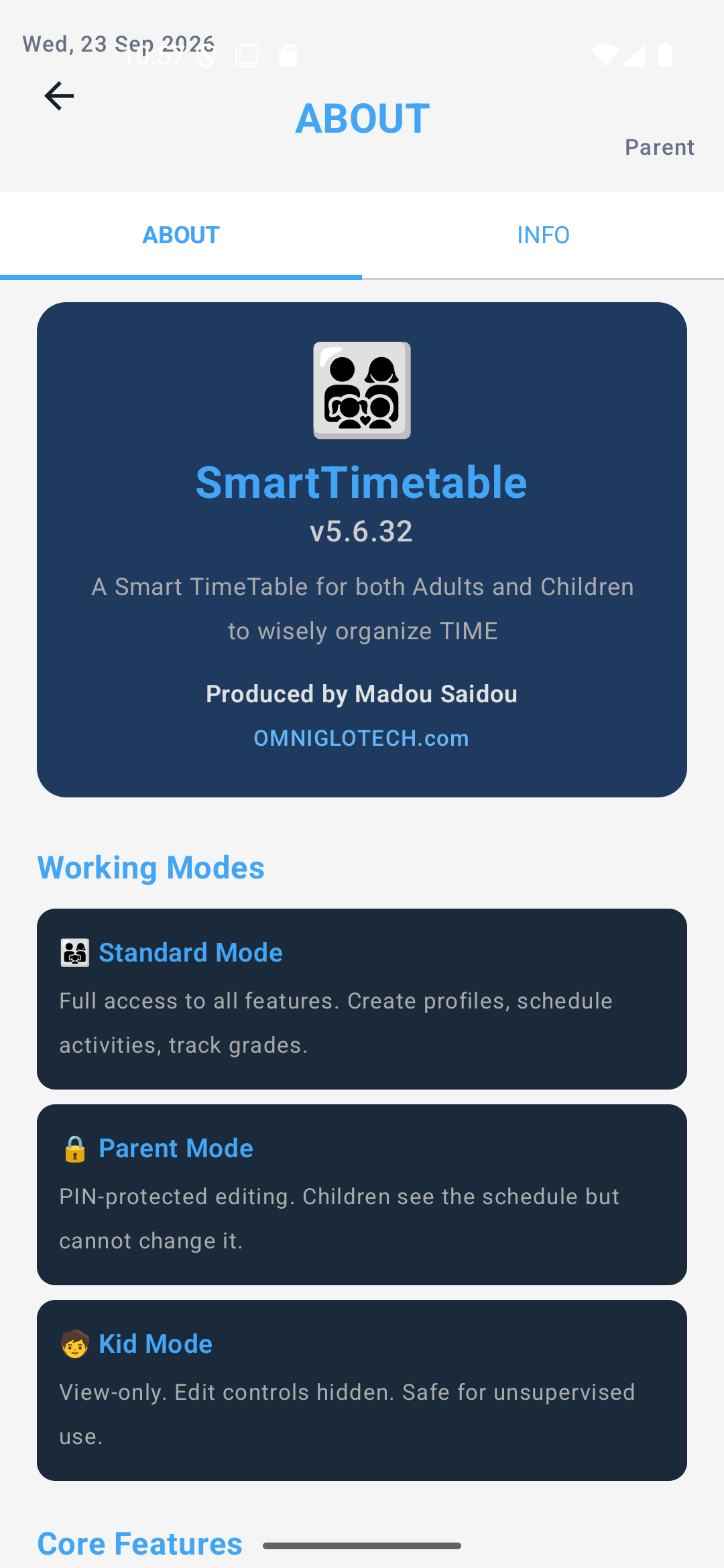
Include your Android version and the SmartTimetable version shown in the app's About screen, if you can reach it.
Include a support reference
If the app shows an error, use Copy details or Email support. You can also find Support diagnostic under About → INFO. Its code begins with ST-.
Keep your account safe. Never email us your password, Parent Lock PIN, verification code, or private timetable details. Support will never ask for them.
Send us a message
Write to us here and we will reply to the email address you give.
Thank you. Your message was sent, and we will reply by email.
Your message could not be sent. Please try again later, or email support@smarttimetable.app.